
What Is an Applicant Tracking System (ATS)? A Complete Guide for Recruiters
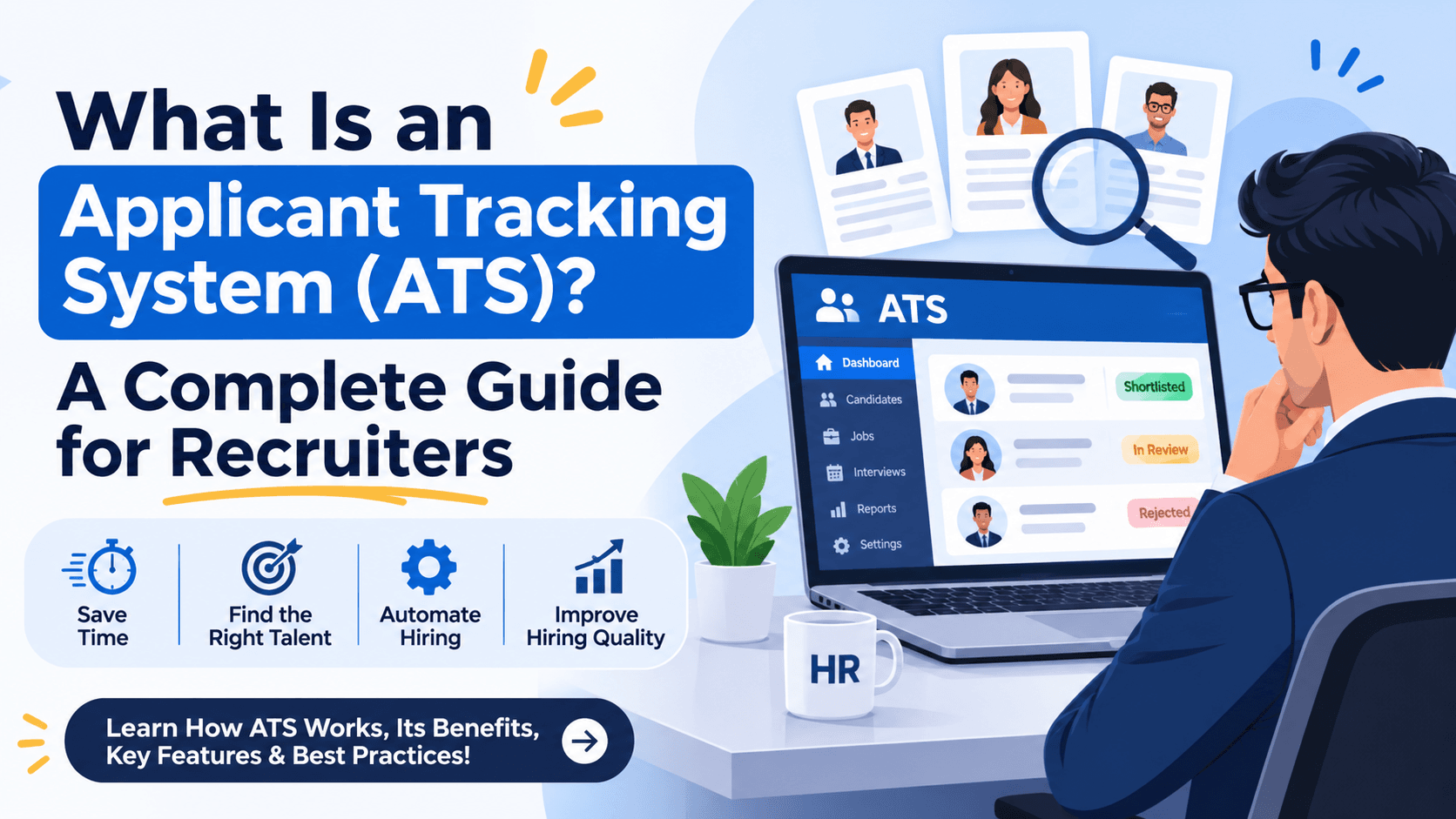
What Is an Applicant Tracking System (ATS)? A Complete Guide for Recruiters
Recruiting the right talent is one of the most important responsibilities of any business. But as applications increase and hiring requirements become more complex, managing recruitment through spreadsheets, emails, and manual processes can quickly become difficult.
This is where an Applicant Tracking System (ATS) comes in.
An ATS helps recruiters organize candidates, manage job openings, track applications, and streamline the hiring process from one centralized platform. Whether you're a growing company, a recruitment agency, or an enterprise hiring for multiple roles, the right ATS can make recruitment more organized and efficient.
In this guide, we'll explore what an applicant tracking system is, how it works, its key features, and how to choose the right recruitment software for your organization.
What Is an Applicant Tracking System (ATS)?
An Applicant Tracking System is recruitment software designed to help employers and recruiters manage job applications and candidate information throughout the hiring process.
Instead of tracking candidates across separate spreadsheets, inboxes, and documents, recruiters can use an ATS to maintain a centralized database of applicants and monitor their progress through different recruitment stages.
A typical ATS allows recruiters to:
- Create and manage job openings.
- Collect and organize candidate applications.
- Store resumes and candidate profiles.
- Track applicants through hiring stages.
- Coordinate interviews and recruitment activities.
- Collaborate with hiring managers.
- Monitor recruitment performance through reports and analytics.
In simple terms, an ATS provides a structured way to manage the recruitment journey, from receiving an application to making a hiring decision.
How Does an ATS Work?
An applicant tracking system typically supports the following stages of recruitment.
1. Job Creation and Publishing
Recruiters create job openings by defining the job title, responsibilities, required skills, experience, location, and other requirements. Depending on the platform, job details can then be shared through supported job boards, career pages, or recruitment channels.
2. Candidate Application Collection
When candidates apply, their information is collected and organized within the system. Resume parsing capabilities may extract information such as skills, work experience, education, and contact details from supported resume formats.
3. Candidate Screening
Recruiters review applications against the requirements of the role. Some ATS platforms provide search, filtering, matching, or AI-assisted screening features to help identify relevant candidates.
Recruiters should still validate candidate qualifications and make fair, human-informed hiring decisions.
4. Interview Coordination
Recruiters move shortlisted candidates through interview stages, coordinate with hiring managers, and maintain records of interview feedback and decisions.
5. Hiring and Reporting
Once a candidate is selected, the recruiter can update the application status and coordinate the next steps. Recruitment reports can help teams understand metrics such as time-to-hire, application volume, and hiring pipeline progress.
The exact workflow depends on the features and integrations available in the ATS.
Key Features to Look for in ATS Software
Not all applicant tracking systems offer the same capabilities. Before selecting recruitment software, consider the following features.
Resume Parsing and Candidate Search
Resume parsing can reduce manual data entry by extracting relevant candidate information. Search and filtering tools help recruiters find candidates based on skills, experience, qualifications, and other job-related criteria.
Job and Requisition Management
A good ATS helps teams organize open positions, maintain job descriptions, track vacancies, and manage multiple recruitment requirements in one place.
Candidate Pipeline Management
Visual hiring pipelines make it easier to understand where candidates stand in the recruitment process. Recruiters can identify pending interviews, candidates awaiting feedback, and roles that require attention.
Recruitment Automation
Automation can help with repetitive administrative tasks, such as application status updates, notifications, reminders, and workflow transitions. The available automation depends on the platform.
Collaboration and Interview Feedback
Recruitment often involves several stakeholders. Shared candidate records, interview feedback, and role-based access can help recruiters and hiring managers coordinate their decisions.
Recruitment Analytics
Reports can help hiring teams measure recruitment performance, identify bottlenecks, and make more informed decisions about their hiring processes.
AI-Assisted Recruitment
Some modern ATS platforms include AI-powered capabilities such as job description assistance, resume analysis, candidate-job matching, and recruitment content generation.
AI should support recruiter productivity rather than replace human judgment. Organizations should also consider data privacy, transparency, accessibility, and potential bias when using AI in hiring.
What Are the Benefits of Using an Applicant Tracking System?
1. Better Candidate Organization
Centralized candidate records reduce dependence on scattered spreadsheets and email conversations. Recruiters can access relevant application information more systematically.
2. More Efficient Recruitment Workflows
By reducing repetitive administrative work, an ATS gives recruiters more time to focus on candidate engagement, interviews, and hiring decisions.
3. Improved Recruitment Visibility
Hiring teams can monitor candidate progress, identify delays, and maintain a clearer view of open positions and pending activities.
4. Better Team Collaboration
Recruiters and hiring managers can work with shared information, making it easier to coordinate interviews, review feedback, and evaluate candidates against role requirements.
5. More Consistent Hiring Processes
Standardized hiring stages and documented evaluation criteria can help organizations follow a more consistent recruitment process across teams and job openings.
6. Scalable Recruitment Management
As application volumes and hiring requirements grow, a centralized ATS can help organizations manage more candidates and vacancies without relying entirely on manual tracking.
Actual results depend on the recruitment workflow, system configuration, integrations, and adoption by the hiring team.
ATS vs. Traditional Recruitment Methods
| Capability | Manual recruitment | Applicant tracking system |
|---|---|---|
| Candidate records | Spreadsheets and emails | Centralized candidate database |
| Application tracking | Manual updates | Structured hiring stages |
| Resume review | Manual searching | Search, filters, and parsing where available |
| Team collaboration | Email and separate documents | Shared workflows and records |
| Recruitment reporting | Manual compilation | Reports and analytics where available |
| Administrative tasks | Repetitive manual work | Automation where supported |
The primary difference is that an ATS organizes recruitment information and workflows in a dedicated system instead of distributing them across multiple tools.
How to Choose the Right ATS for Your Business
Choosing recruitment software requires more than comparing feature lists. The right solution should fit your organization's hiring volume, team structure, and recruitment process.
Consider these factors before making a decision:
- Ease of use: Can recruiters learn and use the system without unnecessary complexity?
- Candidate management: Does it provide the search, filtering, and tracking capabilities your team needs?
- Workflow flexibility: Can it support your hiring stages and approval processes?
- Automation and AI: Are the available capabilities relevant to your recruitment needs?
- Collaboration: Can recruiters and hiring managers work together effectively?
- Reporting: Does it provide the recruitment metrics your team needs?
- Security and privacy: Are candidate data protection, access controls, and retention requirements addressed?
- Scalability and cost: Can the platform support your future recruitment needs within your budget?
- Integration capabilities: Can it work with your existing job boards, communication tools, and HR systems where required?
Before committing to a platform, shortlist your essential requirements and evaluate the available features through a product demonstration or trial.
Is an ATS Suitable for Small Businesses and Recruitment Agencies?
Yes. An ATS can be useful for both small businesses and recruitment agencies, although their requirements may differ.
For small businesses, an ATS can help manage applications, organize interviews, and bring structure to hiring when there is no dedicated recruitment operations team.
For recruitment agencies, an ATS can help manage candidate databases, multiple client requirements, job pipelines, and recruiter collaboration. Agencies should pay particular attention to client-level organization, access permissions, and candidate ownership workflows.
For growing organizations, centralized recruitment processes can help maintain visibility as the number of vacancies and hiring stakeholders increases.
The best choice depends on the organization's hiring complexity, budget, and required features.
How ATSMantra Can Support Your Recruitment Process
Managing recruitment effectively requires visibility into candidates, job openings, and hiring activities. ATSMantra is an applicant tracking and recruitment platform designed to support a more organized approach to hiring.
When evaluating ATSMantra for your recruitment needs, explore the capabilities available for managing job requirements, organizing applicants, tracking recruitment progress, and supporting your team's workflow.
The goal is to bring recruitment activities into a more structured process so recruiters can spend less time managing scattered information and more time connecting with suitable candidates.
If you're evaluating ATS software for your business or recruitment agency, identify your most important hiring challenges and assess how ATSMantra fits your workflow.
Ready to make recruitment more organized?
Explore ATSMantra and discover how a centralized recruitment workflow could fit your hiring process.
Frequently Asked Questions
What does ATS stand for in recruitment?
ATS stands for Applicant Tracking System. It is software that helps recruiters manage job applications, candidate information, and hiring workflows.
How does an applicant tracking system work?
An ATS typically collects applications, organizes candidate records, supports screening and interview workflows, tracks hiring stages, and provides recruitment reports where available.
Is ATS software useful for small businesses?
Yes. Small businesses can use ATS software to organize applications, reduce manual tracking, and establish a more consistent hiring process.
Does an ATS automatically reject resumes?
Some systems support automated screening rules or configurable application filters. However, capabilities vary by platform, and recruiters should ensure screening practices are job-related, fair, and compliant with applicable laws.
What is the difference between an ATS and an HRMS?
An ATS focuses primarily on recruitment and candidate management. An HRMS generally covers broader employee lifecycle processes, such as employee records, attendance, payroll, and leave management. Some platforms offer both sets of capabilities.
Can an ATS use artificial intelligence?
Some ATS platforms include AI-assisted features for resume analysis, job description generation, candidate matching, and workflow assistance. The available features vary, and AI-supported hiring decisions should be reviewed responsibly.
How do I choose the best ATS for my company?
Evaluate usability, candidate management, workflow flexibility, reporting, integrations, security, pricing, and scalability. Select a system that addresses your current hiring challenges and supports your expected growth.
Final Thoughts
An Applicant Tracking System can help transform recruitment from a collection of disconnected manual tasks into a more structured and visible workflow. By centralizing candidate information, organizing hiring stages, and supporting recruiter collaboration, an ATS can help businesses build a more manageable recruitment process.
The key is to choose a platform that matches your hiring needs, supports responsible candidate evaluation, and can adapt as your organization grows.
Explore ATSMantra to learn more about organizing and managing your recruitment workflow.
Nishant Kapoor
Technical Contributor & Solutions Architect at RARR Technologies
Leave a Comment
Your email address will not be published. Required fields are marked *